In brief
In video generation, an AI model calculates a sequence of images that together form movement. The prompt may be text or an image serving as a starting point. Some applications also edit existing video. A generated clip may be useful as a concept, supporting footage or part of a montage. It is not a recording of a real event, even when the result resembles a normal recording.
From text or image to motion
With text-to-video, a description dictates the content. With image-to-video, a starting image already provides information about the subject and composition. The command can then direct the movement or camera. The level of control available varies by model. A described pan movement, exact number of actions or fixed duration is not always executed precisely. Use the capabilities of the chosen system as a starting point for your shot planning.
Why is video more complicated than an image?
Consecutive frames must fit together seamlessly. A person, product or background must not change unintentionally as soon as something moves. Direction, speed and relative positions must also remain credible. Furthermore, the amount of information to be processed increases with length and resolution. A single, attractive still frame therefore says little about the video as a whole. Always assess the clip in motion and also look at the beginning, transitions and ending.
A practical example
A team is producing an explanatory video about a new work process. The core of the video consists of real screen recordings of the application. An abstract moving image is generated for a short transition. The team selects a suitable clip and incorporates it into the edit. In this way, computer-generated imagery supports the narrative without replacing the software’s actual functionality with fictional screens. The choice between footage, animation and computer-generated imagery depends on what you want to show.
What is involved in the production process?
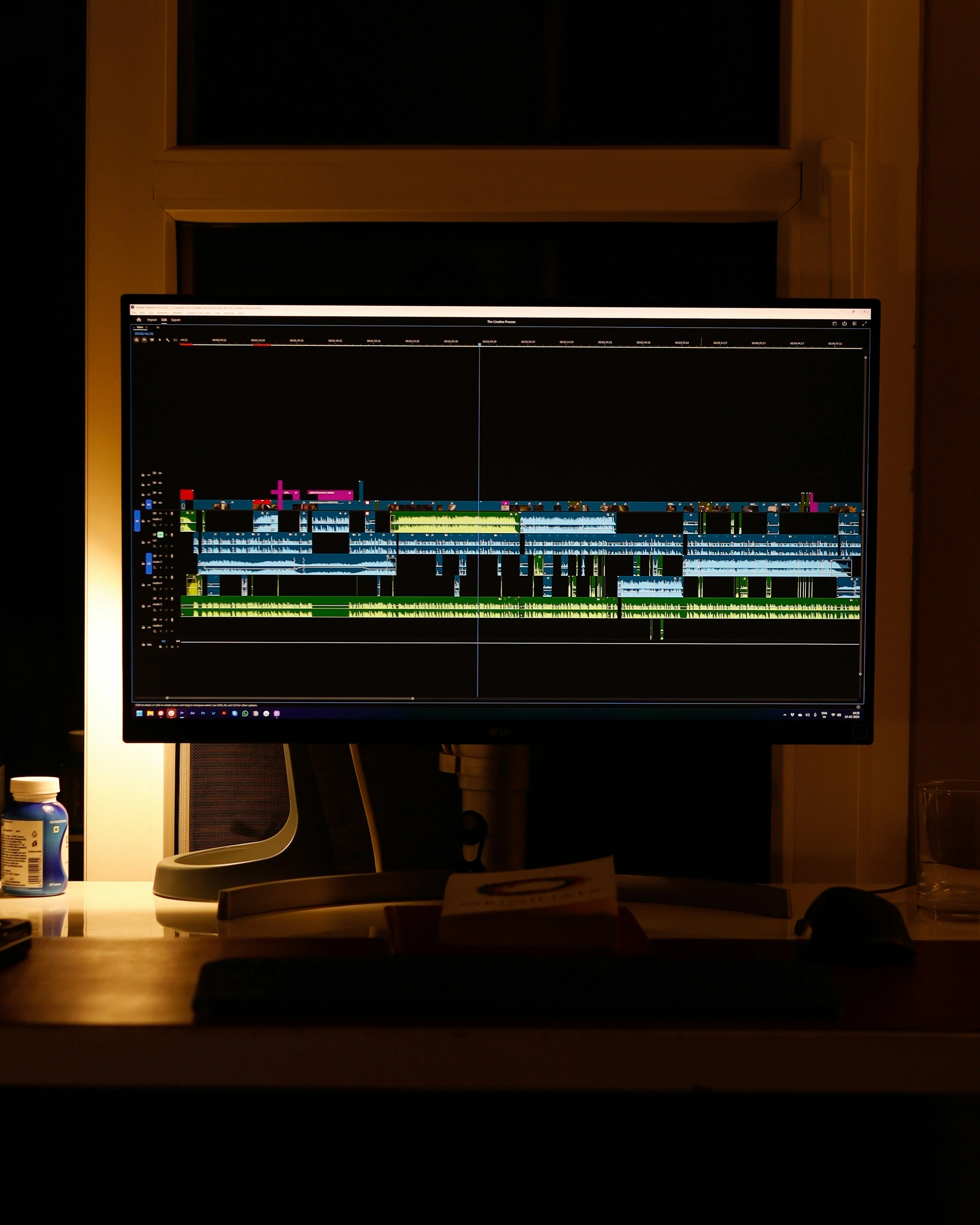
Video generation does not automatically result in a fully edited film. Subtitles, voice-overs, sound, music and the editing of shots may be separate steps. Some models combine video and audio, whilst others do not. You should therefore specify which files you will receive and how they will be post-processed. Also check text, logos and product details where these are important. Where multiple shots are involved, ensuring recognisable continuity often requires additional selection and editing.
How do you compare speed and costs?
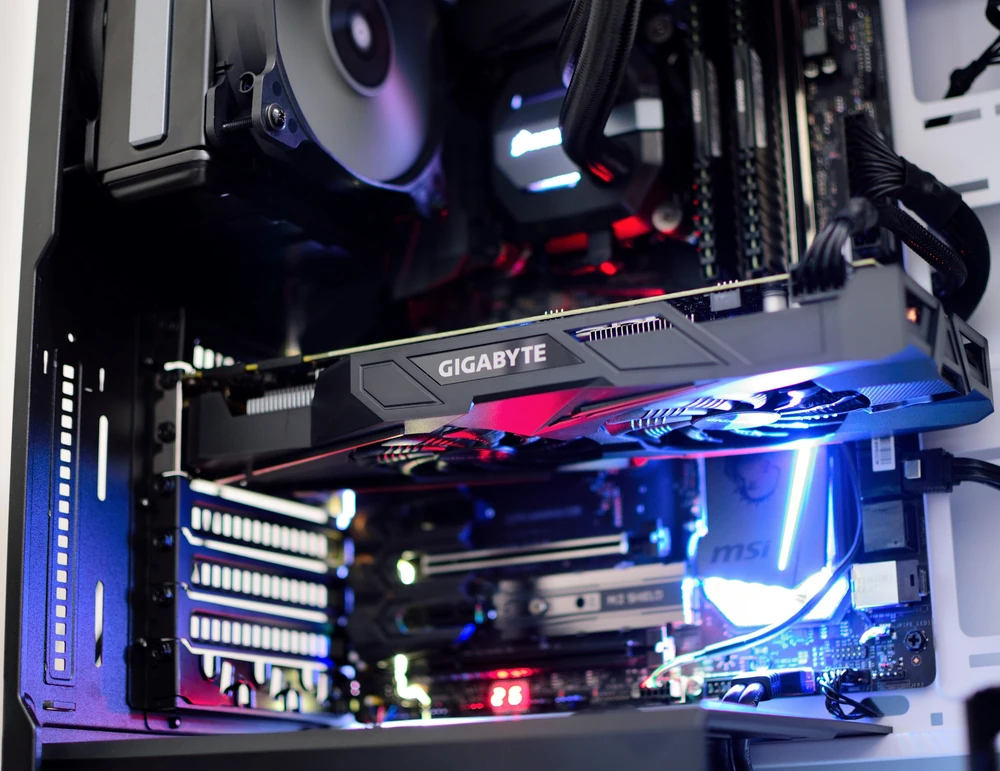
Compare usable seconds of video, the number of attempts required and the post-production work. A short, low-resolution generation can serve primarily as a test, whilst the final format requires more processing power. Running locally requires suitable hardware; an external service can provide capacity with its own limits and rates. First, decide what level of quality and control is required. You can then determine whether generating content for this part of the process is truly a suitable production step.
From concept to practice
How AITJE applies this
When a video enquiry is received, AITJE assesses which part requires filming, standard editing or generation. We investigate which model route is suitable for the desired length, quality and control, and whether it aligns with the existing production environment. A workflow, if required, can structure tasks and files and support assessments. We also compare the costs of repeated attempts and post-production, so that a short demonstration is not mistaken for a fully functional video production.
View advice and analysisFrom explanation to application
Would you like to know what this means for your work?