In brief
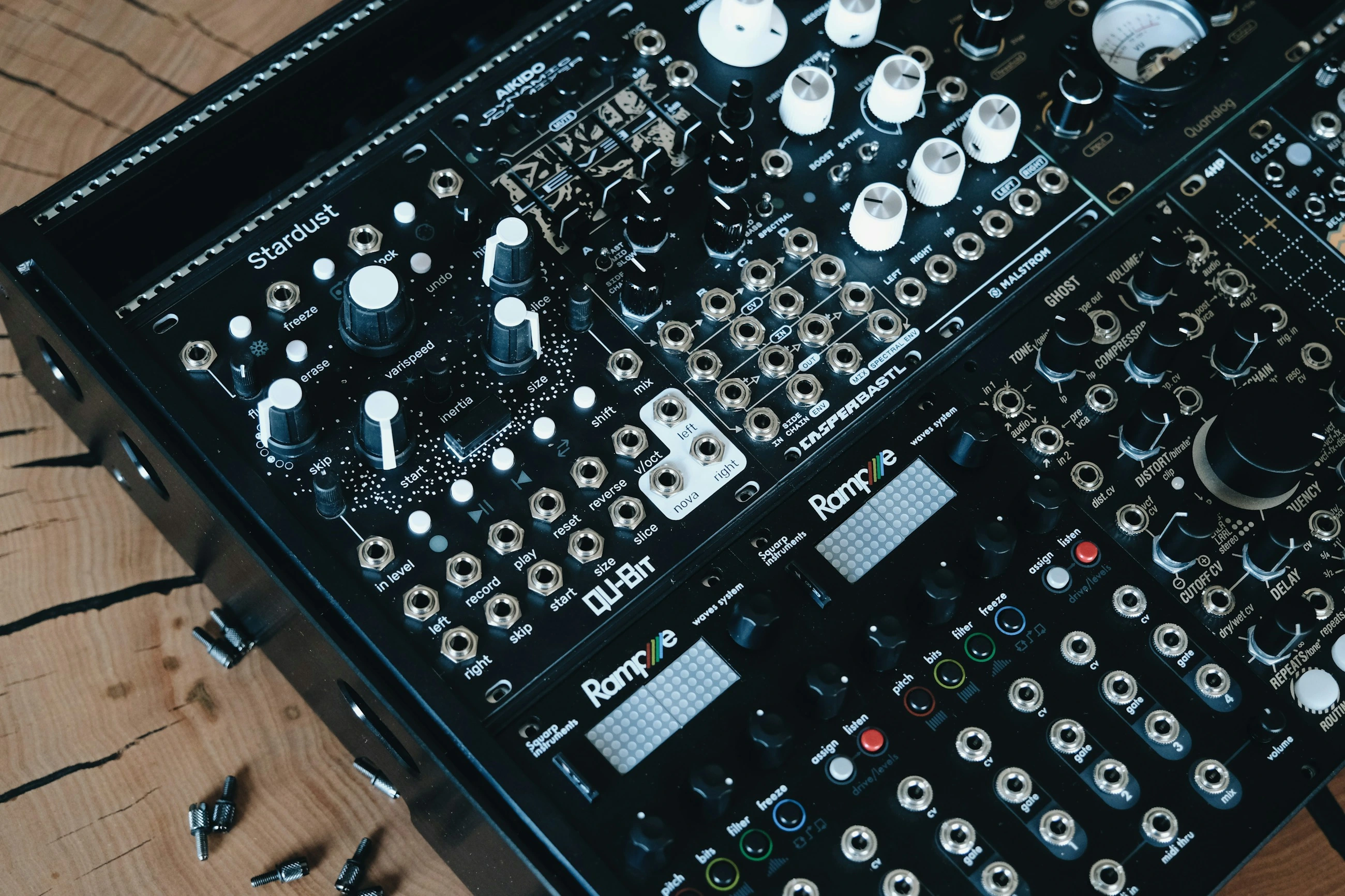
Music generation means that an AI model creates new musical output. For example, you might describe a calm instrumental piece featuring a piano and a slow tempo. Depending on the model, existing audio can also serve as a guide. The result may be a short clip, an accompaniment or a more elaborate composition. A music model therefore does something different from compiling a playlist: it produces sound or a musical representation.
How is music generated?
Models learn patterns in rhythm, sound and musical coherence. Some systems predict compact audio codes which are then converted into sound. Other generative techniques operate using successive processing steps. The method is not always the same as that used for text generation. The outputs also differ: one system produces an audio file, whilst another application may, for example, provide musical notes or individually editable components. Check exactly what output you are actually receiving.
What should you include in a music commission?
Describe the purpose, the atmosphere, instrumentation, desired length and how prominent the music should be. Background music accompanying a spoken explanation requires a different approach to a recognisable opening. Words such as ‘calm’ or ‘energetic’ provide direction, but do not determine an exact composition. You should therefore listen to several versions and assess the clip in its final context. A standalone demo may sound pleasant but could still be too busy when played alongside a voice.
A practical example
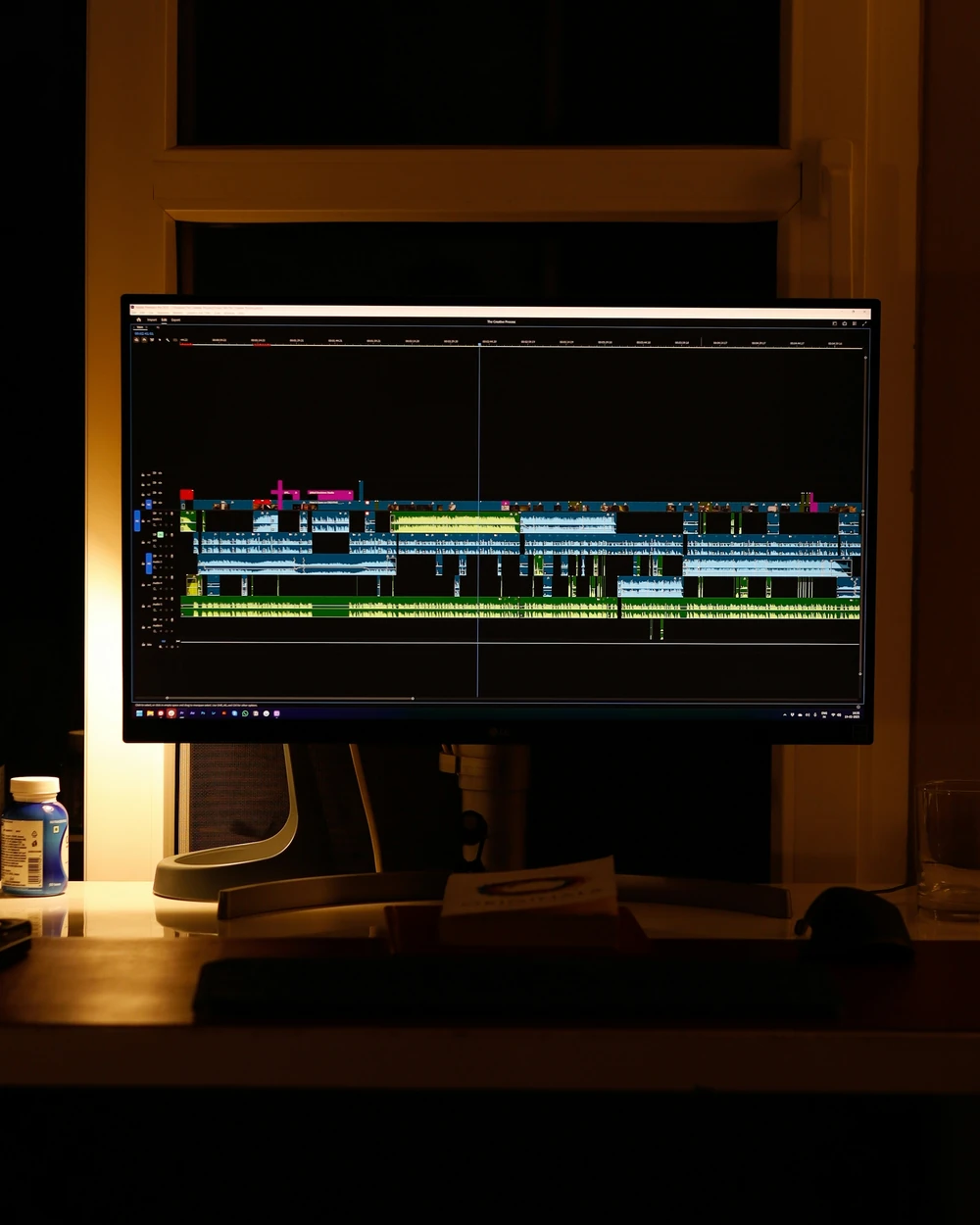
A team creates a short explanatory video and selects a subtle instrumental background track. They have various clips produced, choose a suitable version and edit it to accompany the spoken text. In doing so, they pay attention to volume, transitions and length. The generation is a single step; the final mix and editing remain important. For a fixed theme tune, greater control over the melody and arrangement may be required than a standard music commission offers.
Where is the quality control?
Pay attention to abrupt transitions, repetition, unwanted sounds and the flow between the beginning and the end. For longer outputs, the musical coherence must also remain intact. Vocals, separate instrument tracks and precise tempo settings are not features that every model automatically supports. Assess what you need before choosing the workflow. A clip that sounds good straight away is not necessarily easy to edit further in your music software.
What does this mean for a workflow?
Document how commissioning, selection, assembly and storage are carried out. Save the chosen variant with the settings used, so that a team knows which one it belongs to. Compare costs per usable clip rather than just per generation attempt. Also check which terms of use apply to the model and the input. A locally available model may be an option, but it requires sufficient computing power and does not automatically offer the same features as an external music service.
From concept to practice
How AITJE applies this
When music forms part of an AI enquiry, AITJE first helps you determine what you need: a concept snippet, background information to support an explanation, or output that can be further edited. We investigate suitable models or services and the requirements for integration, capacity and usage. Selection and editing are also factored into the workflow. We do not promise a specific music product or fixed model options; any solution will be based on the technical and practical assessment of your enquiry.
View advice and analysisFrom explanation to application
Would you like to know what this means for your work?