
In brief
Code generation means that a model creates code based on a task and available project information. This could be a function, test, script or modification to existing software. The model generates a proposal; the development environment determines how you implement that proposal. Code that looks good is not necessarily correct. Functionality, alignment with the project and maintainability are assessed through appropriate tests and reviews.
What does the model require?
Describe the task the code is intended to perform, the input and output associated with the function, and any constraints that apply. Existing files, interfaces, tests and libraries used provide important context. A model that is unaware of the project requirements may produce a solution that appears logical in itself but does not fit the context. You should therefore provide specific information from the codebase rather than just a general request for a complete application.
What is the difference between this and a coding model or agent?
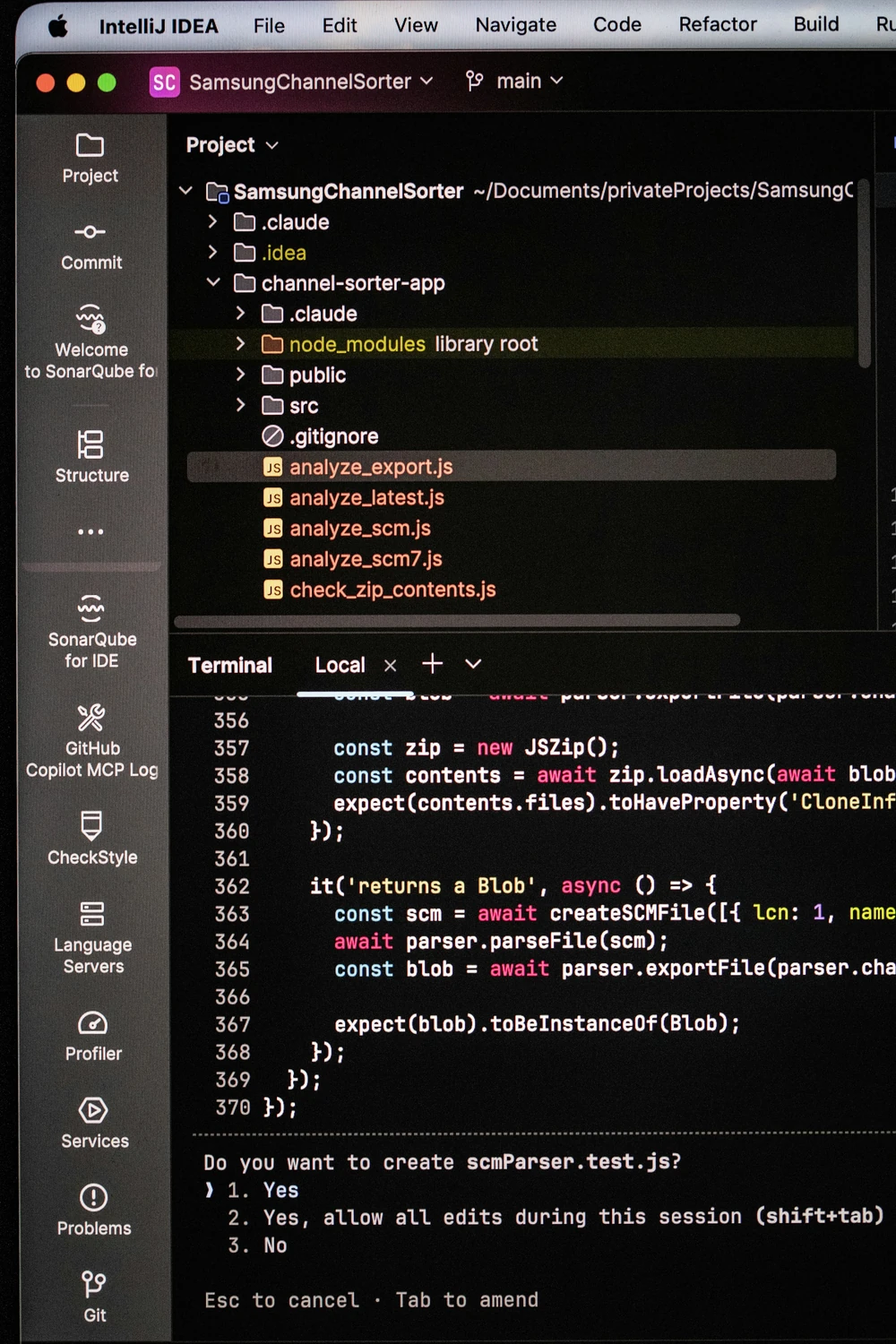
A coding model is the model used for coding work. Code generation is a task performed by that model. A coding agent can also use tools to view files, apply changes and initiate checks. This combination enables a more comprehensive workflow, but does not automatically determine which permissions are appropriate. It remains useful to keep track of what is proposed, changed and actually carried out.
A practical example
A developer wishes to extend an import function with a new data field. The model is provided with the existing function, sample input and relevant tests. It proposes a minor change and an additional test. The checks are then carried out and the change is assessed. Questions regarding missing input and existing records form part of that assessment. The process centres on a clearly defined modification, so that consequences and errors can be more easily identified.
Which errors do you want to identify early on?
A model may use a non-existent function, miss an edge case or misinterpret existing rules. Furthermore, a test written by the same model may adopt the same assumption. You should therefore also assess whether the test verifies the desired behaviour. For integrations, error handling, permissions and input validation are all factors to consider. The relevant check depends on the change: a minor text adjustment requires a different approach to code that modifies data.
How do you keep the work efficient?
Let the software locate files, select search results and carry out routine checks. Then provide the model with the context required for the next step. Sending the entire codebase each time can result in an unnecessary number of tokens and lead to delays. Compare models based on the specific tasks in your project, including rectification work. Good code generation helps a developer move forward and clearly shows which work still needs to be checked.
From concept to practice
How AITJE applies this
AITJE Coder supports coding work with suitable models, project context and development tools. We tailor local capacity and setup to your codebase and the way your team works. Code proposals can be incorporated into a verifiable development workflow, including review and appropriate testing. For more extensive API workflows, AITJE can also investigate how targeted context and preparatory code can limit token usage. External model routes remain a separate option.
Visit AITJE CoderFrom explanation to application
Would you like to know what this means for your work?