In brief
In 3D generation, AI creates a digital representation of a three-dimensional object or a scene. Text or one or more images can serve as input. Depending on the system, this results, for example, in a textured mesh or another spatial representation. This is different from a standard image that merely resembles a 3D object. A usable 3D file contains information that allows you to view the object from different angles or process it further.
What are geometry and texture?
Geometry describes the shape of an object. A mesh uses points, edges and faces to represent this. A texture provides information about the appearance of surfaces, such as colour and detail. Material properties can also determine how light is rendered. A convincing texture can conceal a weak shape in a single view. You should therefore also examine the geometry and the back of the object, particularly when the model is being further modified.
What can you deduce from an image?
A photograph shows only part of an object. A generative system must fill in the unseen sides based on learnt patterns. The result may be plausible without exactly matching the real object. Multiple useful views can provide more guidance, but do not rule out missing or incorrect details. For a product where dimensions and construction are important, verified design information remains essential.
A practical example
A designer wishes to explore different shapes for a decorative object. AI generates a number of digital concepts viewed from various angles. The chosen shape is then refined and adapted in design software. For use in an interactive environment, for example, the size and level of detail are checked. This process accelerates the design phase, whilst the requirements of the final application determine how much post-processing is needed.
3D generation is not a ready-made CAD design
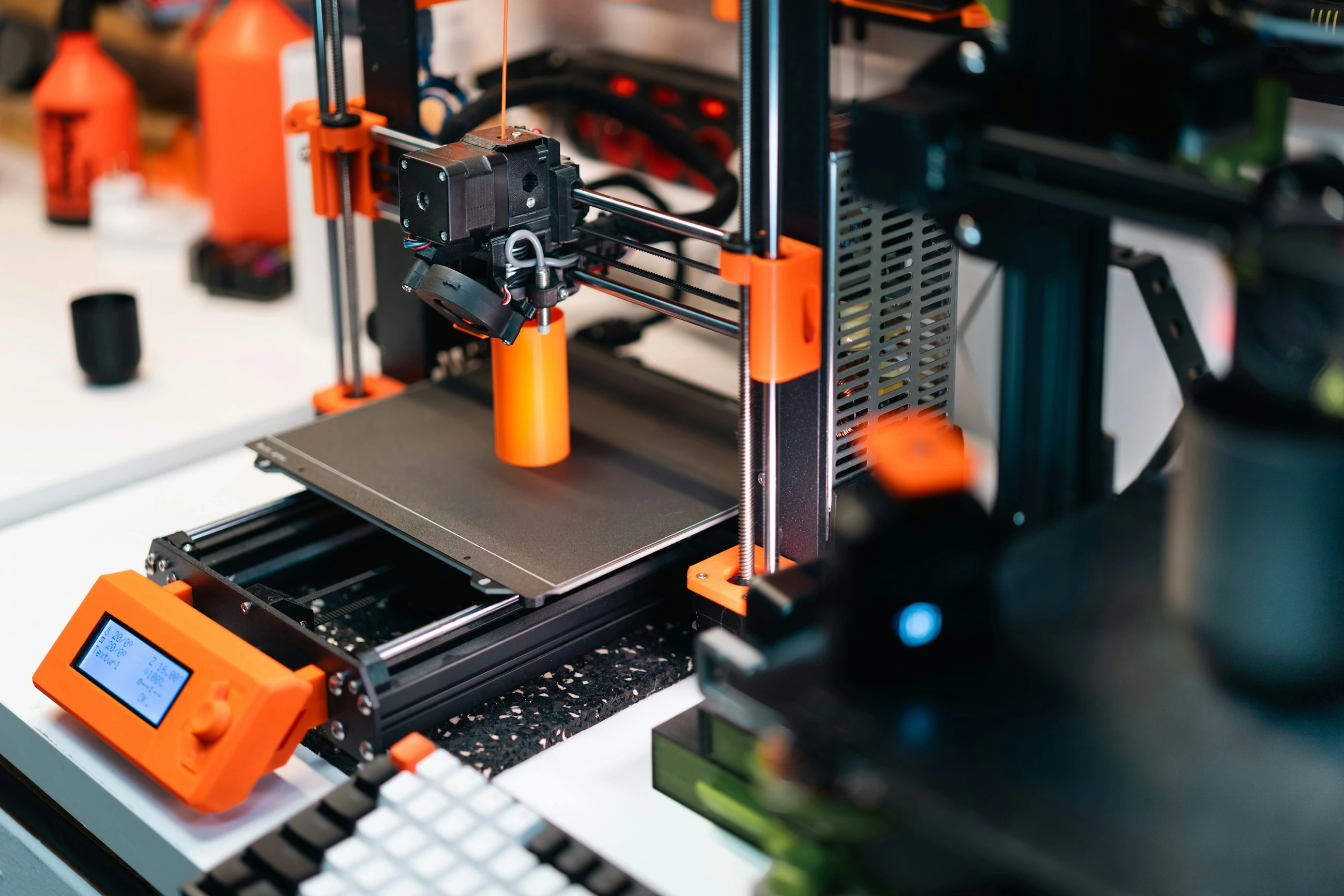
A generated object does not automatically have correct dimensions, an editable component structure or tolerances suitable for production. Nor does a visually appealing model automatically mean that it is suitable for printing. For 3D printing, the shape must, amongst other things, be usable as a closed volume and be suitable for the chosen production method. For games or web display, different requirements apply, such as file size and the number of faces. Each of these applications requires its own set of checks.
How do you make output transferable?
Determine in advance which file type, scale and components the next step requires. Check whether geometry and textures are actually being exported and whether your software reads them correctly. Keep a record of the references and any adjustments made. Compare the entire process from concept to usable file, not just the first render. This will clarify whether AI generation saves time or mainly results in extra corrective work.
From concept to practice
How AITJE applies this
For a potential 3D application, AITJE first identifies the requirements for the next stage: concept design, web display, interactive environment or other processing. We assess whether a model can deliver usable files and how export, storage and checks can be integrated. Production-ready geometry or accurate CAD output is not simply assumed. The feasibility of generation and the necessary post-processing together determine whether bespoke work is worthwhile.
Explore bespoke AI solutionsFrom explanation to application
Would you like to know what this means for your work?